WordPress vs Astro: which is better in 2026?
WordPress wins in some cases and Astro in others. We compare speed, maintenance, security and who edits it afterwards, from a business owner's point of view.
When a business asks for a website quote, sooner or later this question comes up. Some tell them WordPress is the standard and that with it they will be able to touch everything; others talk about Astro and how much faster it loads. Both are right about something, and neither wins every time. Let us compare them using the criteria that matter to the person paying for the site, not to the person coding it.
The quick answer
Choose WordPress if you are going to edit the site often and deeply, if you need a specific plugin from its ecosystem (bookings, memberships, a complex store), or if several people will publish content every week.
Choose Astro if your site is mostly a shop window that changes little, if loading speed and search visibility are priorities, and if editing text occasionally — or through a simple panel connected on top — is enough for you.
And the uncomfortable part: there is no universal answer. Anyone who says “WordPress always” or “Astro always” without first asking how you work, how much you change the site and who will be touching it, is telling you about their own convenience, not your interest. This site is built with Astro, and even so there are projects for which we recommend WordPress.
What each one is, without jargon
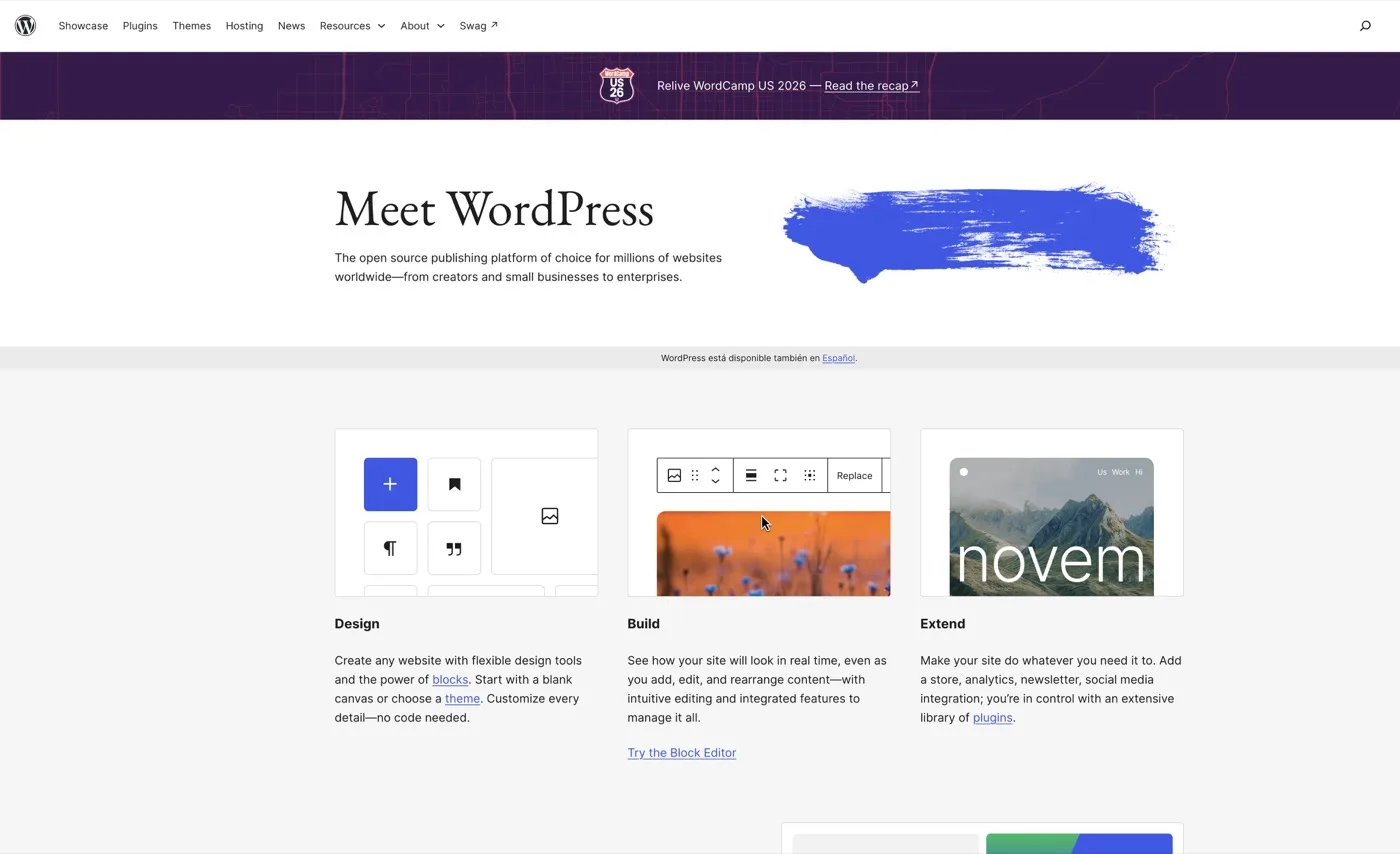
WordPress is a content management system: a program that lives on your hosting server, stores your text in a database and builds each page at the moment someone visits it. It comes with an admin panel from which almost everything can be edited, and an enormous collection of plugins (small programs installed on top to add functions: forms, bookings, a store, newsletters).
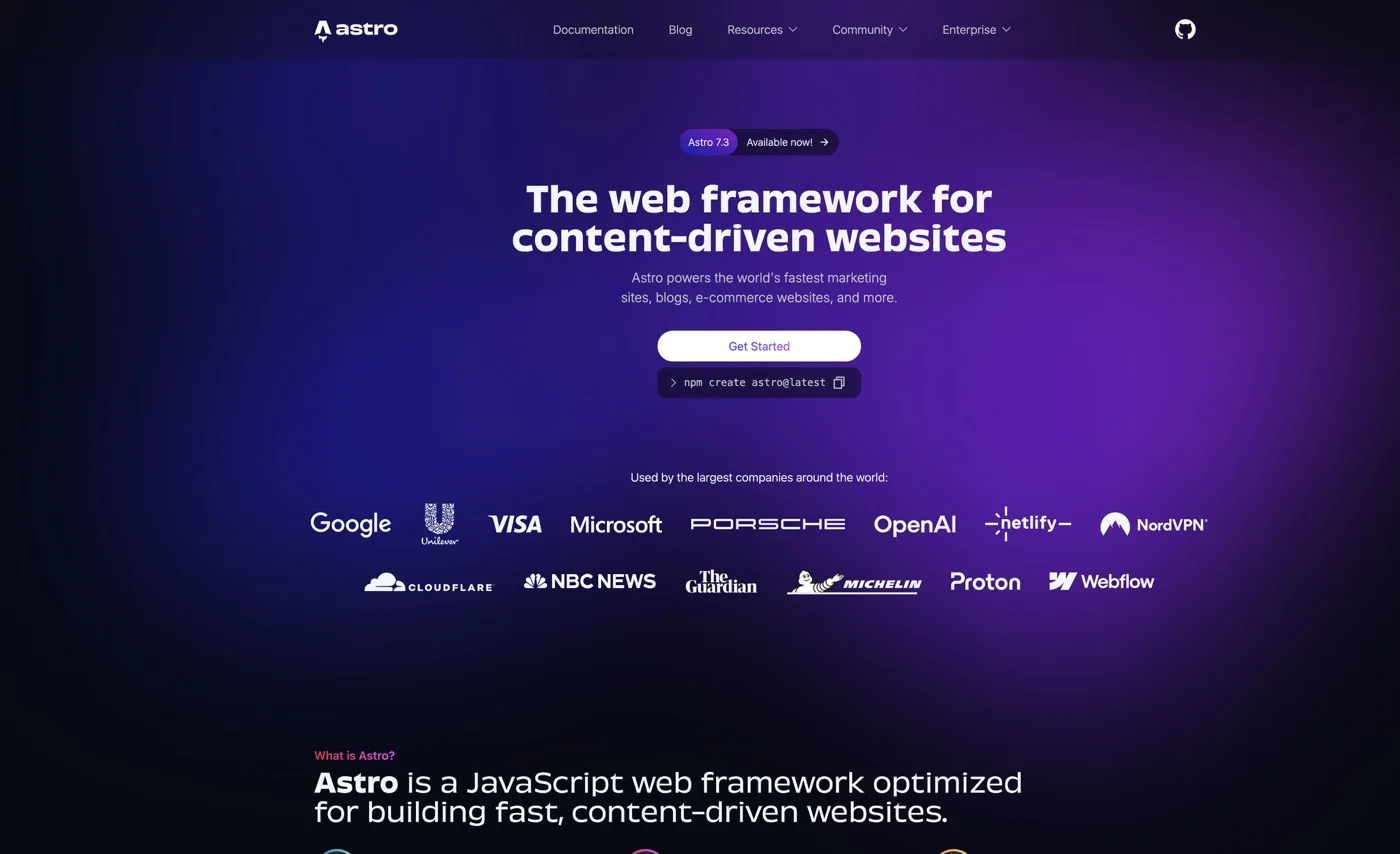
Astro is a static site generator: a tool that, before publishing, builds every page as a finished file, so the visitor receives a ready-made page without the server having to manufacture it on the spot.
That difference — building the page on every visit versus serving it ready-made — explains almost everything else: the speed, the security, the maintenance and also the limitations.
The comparison table
| WordPress | Astro | |
|---|---|---|
| Who edits content afterwards | Anyone, from the panel. Text, images, whole pages and even the structure can be changed without touching code | Depends how it is built: with a connected editing panel, anyone can edit text and articles; without one, you need someone who can edit the files |
| Real loading speed | Depends heavily on the theme, plugins and hosting. Well optimised it is fast; left unattended it gets slow over time | Fast from the start, because the page arrives already built and carries little extra code |
| Performance after two years | Tends to degrade as plugins and content pile up | Stays stable: what is not added does not weigh |
| Maintenance cost | Ongoing: core, theme and plugin updates, backups and monitoring | Low day to day: no plugins to update, no database to watch |
| Security | The most attacked system in the world, precisely because it is the most used. Most incidents come from outdated plugins | Much smaller attack surface: no publicly exposed admin panel and no database to compromise on the public site |
| Plugins and ecosystem | Enormous. Almost any function you can imagine already exists | Small and more technical. What does not exist gets programmed |
| Features that depend on the visitor (private area, bookings with availability, complex internal search) | WordPress’s natural territory | Possible, but requires connecting external services and more custom work |
| Online store | WooCommerce is well established and the expected choice | Possible, by connecting a commerce platform behind it. Rarely the shortest route |
| Blog with several authors | Very comfortable: roles, drafts, revisions, all solved | Possible with a connected panel, but with fewer conveniences out of the box |
| Changing agency | Easy to find someone to take it on: there are plenty of professionals. The risk lies in each agency’s own page builders and paid plugins | Fewer professionals available, but the project is clean, standard code: anyone who knows modern web development understands it |
| Where it is hosted | Needs hosting that runs PHP and a database | Static file hosting is enough — simpler and usually cheaper |
| Technical base for SEO and GEO | Good if looked after; neglect is penalised | Good from the start: clean HTML and fast loading |
Who is going to edit the content afterwards
This is the criterion that should carry the most weight and the one most often overlooked.
If you are going to go into your site every week to change things — not just text, but whole sections, promotions, new pages with a different look — WordPress is designed for that and Astro is not. With a visual builder you drag blocks and see the result: that is real autonomy and it has value.
If your pattern is publishing an article now and then and correcting a phone number twice a year, that autonomy costs you dearly: you pay in speed, maintenance and risk for a freedom you barely use. In Astro you can connect an editing panel for text and articles and cover that case without dragging along the weight of a full CMS.
The honest question is not “do I want to be able to edit it?”. Everybody does. It is “how many times a year will I actually edit it, and what kind of change?”.
Loading speed, without the myths
Two exaggerations get repeated here. The first: “WordPress is slow”. Not inherently true: a WordPress site with a light theme, few plugins, well-configured caching and good hosting runs fast. The second: “with Astro your site flies no matter what”. Also false: feed it unoptimised images, heavy fonts and background video and it will be just as slow.
The real difference is where each one starts and where it tends to go over time. Astro starts from a page that is already built and light, and you have to work at it to ruin that. WordPress starts from a system that manufactures the page on every visit, and each plugin you add piles on work and code. The first tends to hold; the second tends to put on weight if nobody watches it.
And speed is not a technician’s whim: it is one of the things Google measures and one of the first reasons someone leaves before seeing your offer. We break it down in Core Web Vitals explained.
Maintenance and security
WordPress needs active maintenance, and that is a recurring cost, whether you pay it in money or in your own time. The core, the theme and each plugin have to be updated, you have to check the update broke nothing, make backups and watch access. It is not optional: a site abandoned for two years is a site with the door open.
Being the most attacked system is not a design flaw: it is the most widespread, so an automated attack that works serves the attacker across an enormous number of sites at once. Most problems come not from the core, but from old or poorly built plugins.
A site built in Astro has far less surface to attack, because what gets published are pre-built pages: there is no exposed admin panel and no database being queried on every visit. That does not make it invulnerable — forms, connected services and credentials still need care — but it removes the most common family of problems outright.
Plugins: WordPress’s great advantage
This is where WordPress wins without argument. If you need a booking system with a calendar and availability, a private client area, a forum, a membership system with subscriptions, or an integration with a management program, it is very likely it already exists in WordPress, tested by thousands of sites, at the cost of a licence. In Astro that has to be built or connected to an external service: more time and more money.
The other side: every plugin is third-party code running on your site, which has to be maintained, which may stop being updated, and which adds weight. The advantage is real; so is the bill.
What happens if you want to change agency
It is almost never asked before signing, and it is where most people get trapped.
With WordPress you will find professionals anywhere, and that is a serious advantage. The problem is not the system, it is how it was built: if your site sits on a paid visual builder, with licences in the agency’s name and a pile of premium plugins, changing provider means inheriting a setup the new agency did not choose and often does not want to maintain.
With Astro there are fewer professionals available, and that is an honest disadvantage worth stating. In exchange, the project is usually standard, tidy code: any developer working with current web technologies can open it and understand it.
With both options there are three things to demand in the contract: that the domain is in your name, that you have access to the hosting, and that the code is yours and is handed over. We go through it in how to choose a digital agency.
Which project each one wins
WordPress is the better option when:
- You will edit the site often and want to do it yourself, including changing the structure of pages.
- You need a specific function already solved in its ecosystem: bookings, memberships, private areas, industry integrations.
- You have a blog or publication with several people publishing, with roles, drafts and revisions.
- Your site has many pages that change continuously.
- You want maximum ease in finding someone to maintain it in future.
Astro is the better option when:
- Your site is a shop window for services or a product: who you are, what you do, proof and contact.
- Speed and search visibility are a stated priority.
- You want the least possible maintenance and the lowest security risk.
- The content changes little, or changes in the form of articles and text that can be edited from a connected panel.
- You want a clean technical base so that both Google and AI engines read you well.
If you are still unsure after reading this, the doubt is usually settled by a single question: who is going to touch this site in a year’s time, and how often? Answer it honestly and the decision makes itself.
The next step
Before choosing technology it pays to look at what you already have: how your current site performs on speed, how much maintenance it demands, which parts you genuinely change, and what it is costing you in visibility.
That is what we review in the free, no-obligation audit at Ryojin.TECH. We tell you what suits the way you work, even when the conclusion is that your current WordPress is fine and only needs a clean-up.
Request your free audit and we will look at it with the data in front of us.